Onvis Smart Button Thread, Bluetooth 5-Keys Smart Scene Controller, Mini Dimmer , Home, Furniture & DIY > Lighting > Lighting Parts ,
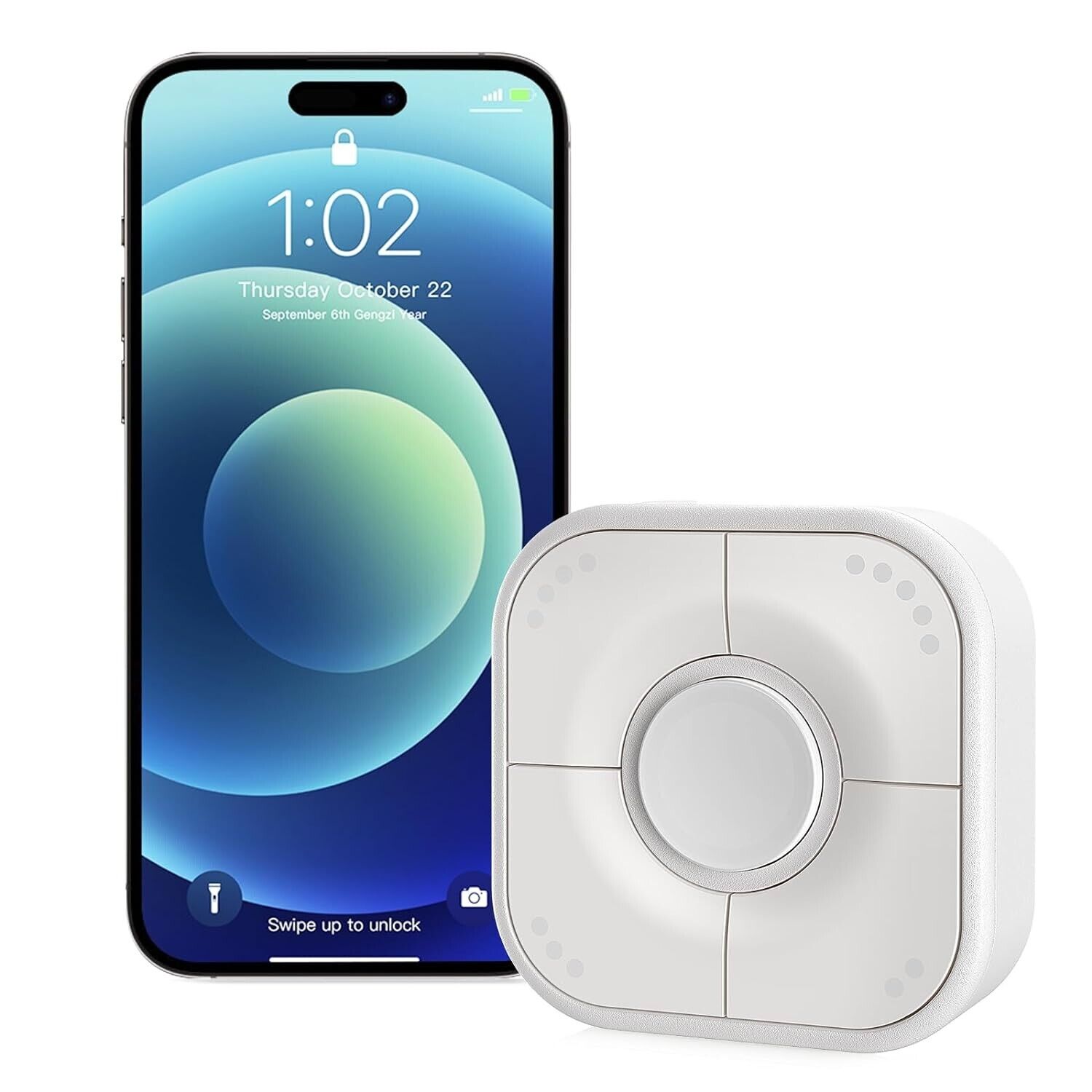
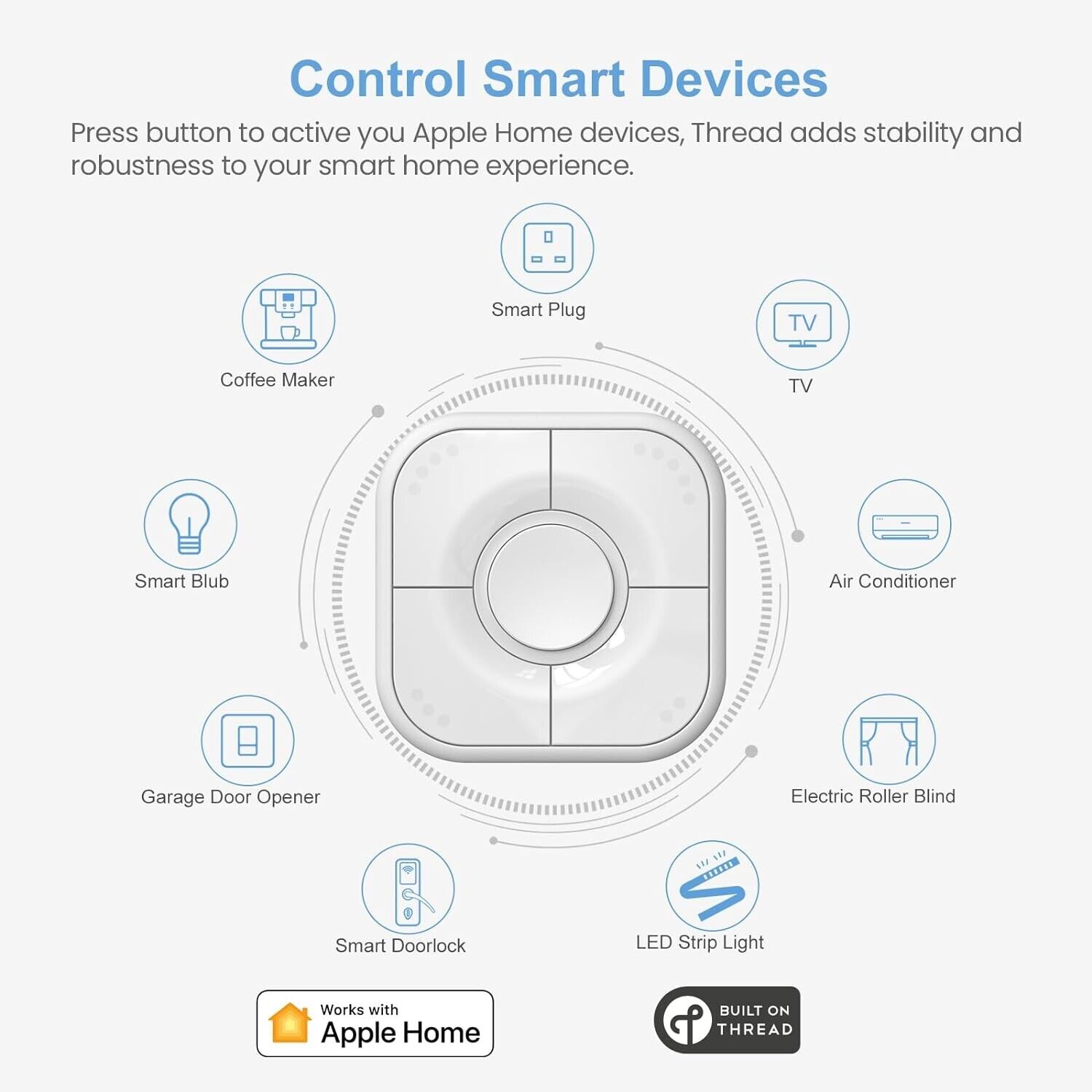
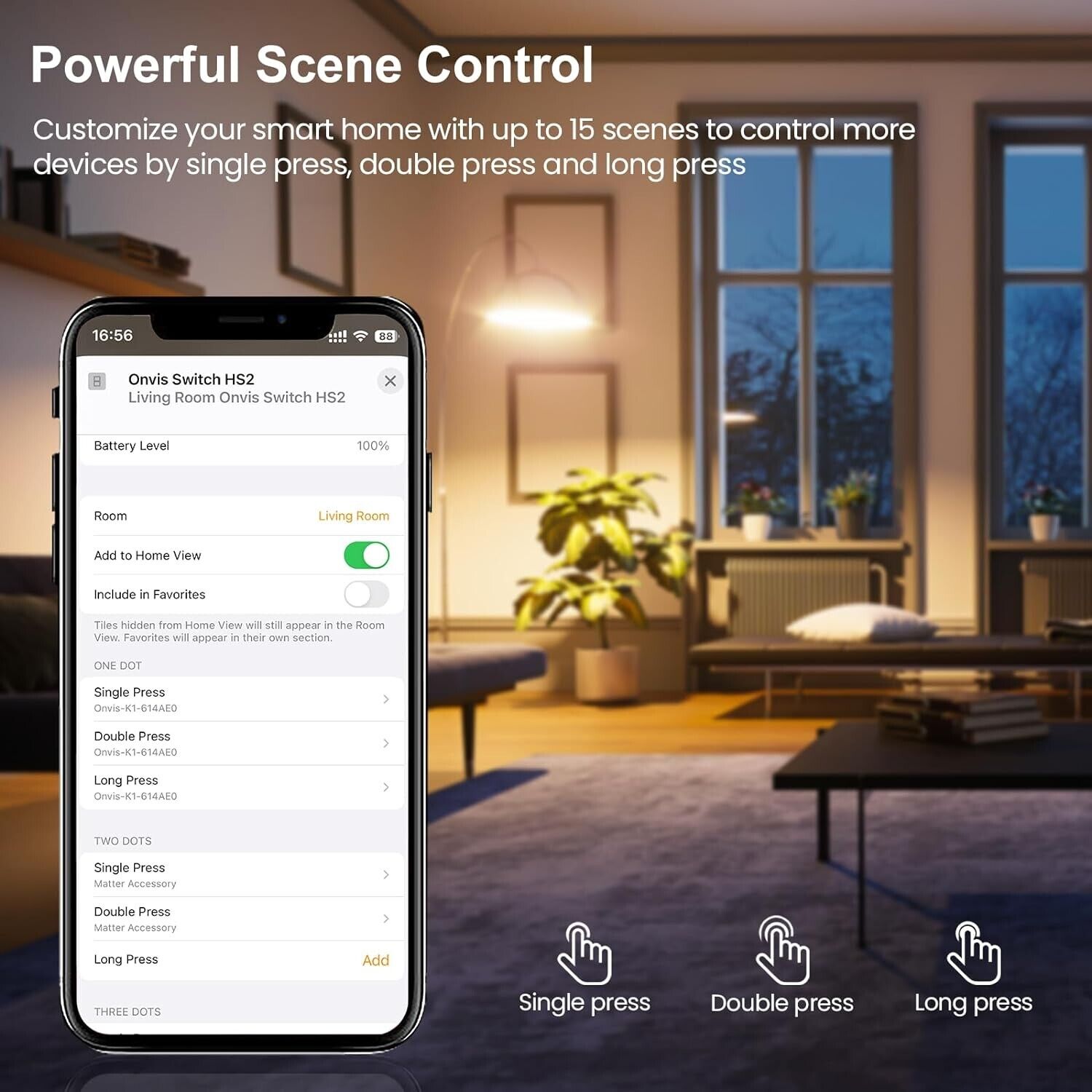
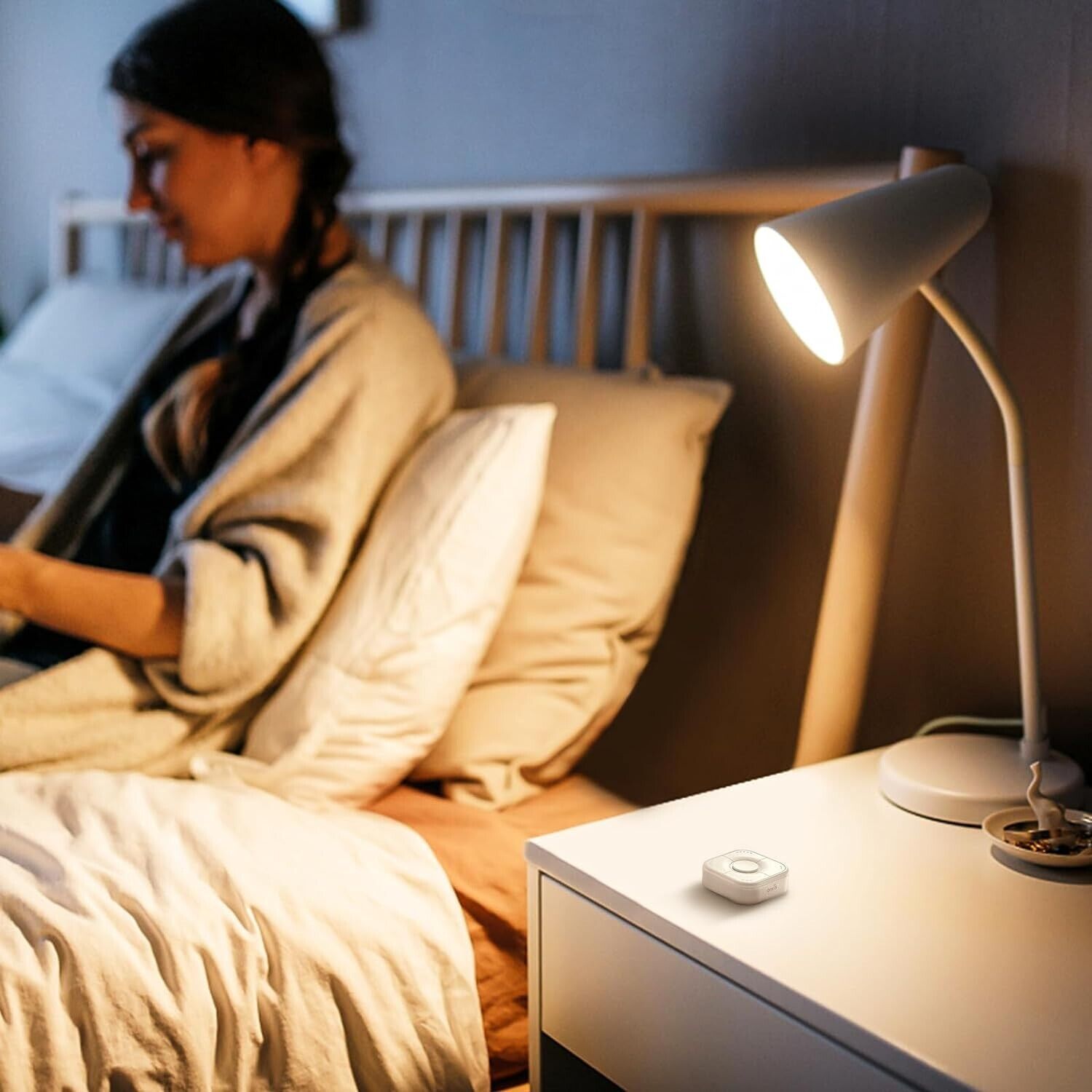
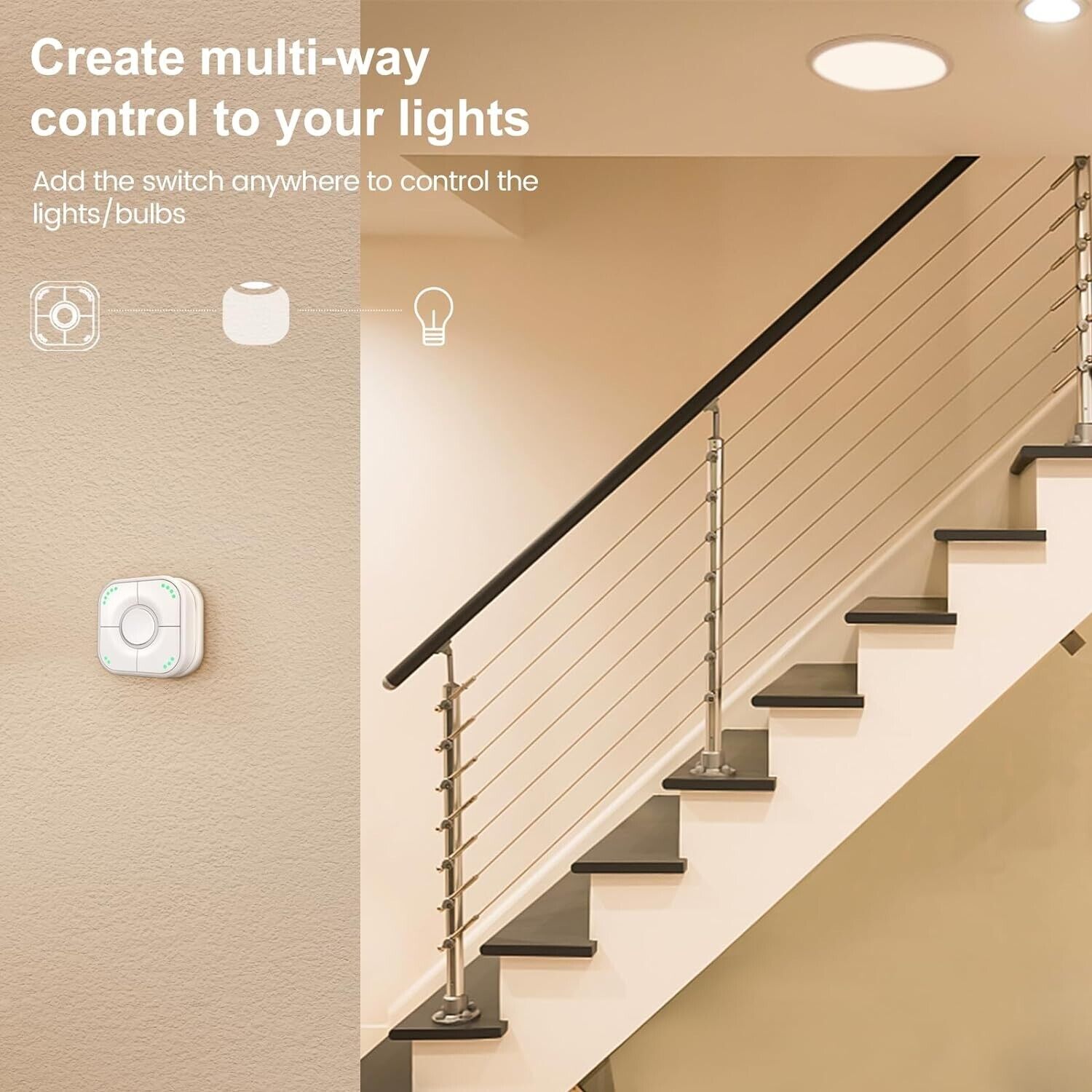
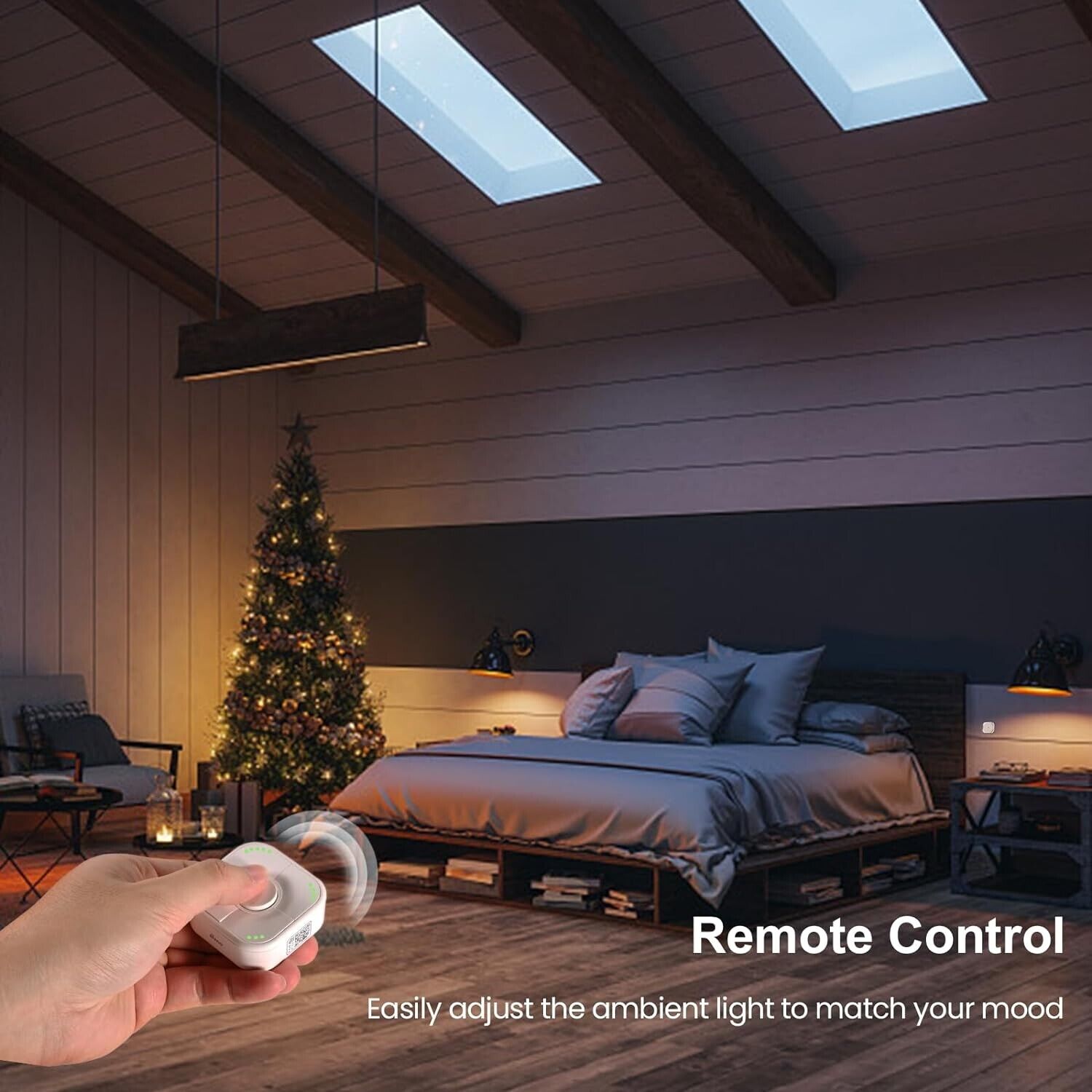
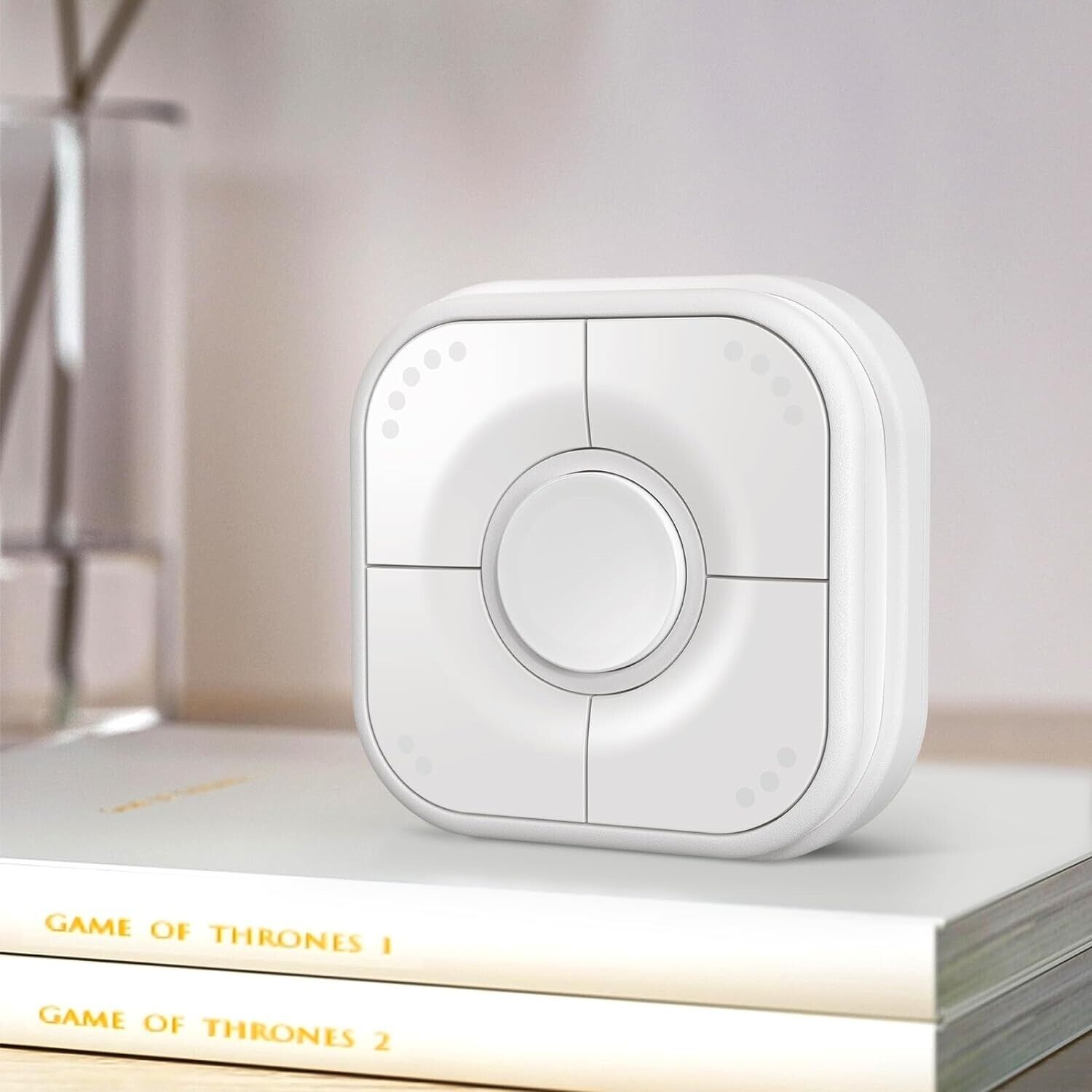
Thread and Bluetooth Version - Thread technology allows HomeKit smart home products to connect faster, stable and reliable than ever. Onvis HS2 smart button also supports Bluetooth if your device doesn't support Thread. Please Note: Thread network requires a HomePod mini or AppleTV4K 2021 as a border router.Control From Anywhere - Onvis Smart button allows you to control multiple smart bulbs, smart light switches, and other HomeKit smart home accessories with ease.Turn electronics on and off from anywhere with the Home App or Onvis Home App, whether you are at home, in the office or on vacation.Multi Device Control - With 5 distinct keys, each with single, double, and long press. Can be control up to 15 different smart devices, or set them up to control your Apple HomeKit Scenes and make smart home automation easy with just a click.Easy Installation - Onvis HS2 button can be used as a wireless light switch and handheld remote control. Attach it to the fridge or metal surface thanks to the strong magnetic holder or a reusable adhesive back. Each button features fluorescent dots to identify which button controls which device even in the dark.Safety & Privacy - Onvis smart button have passed the Apple certification. 100% protect the privacy of users. Will never access, store or process your personal data. Local intelligence and direct communication without bridge or cloud dependenc.Low power consumption - The Onivs HS2 smart button uses the low-power Thread and Bluetooth 5.0 protocol. This significantly increases the battery life.<br">•SpecificationsWireless connection: Thread + Bluetooth Low Energy 5.0Operating temperature: 14 T ~113 F(-10 C ~45 C)Operating humidity: 5%~95% RHDimensions(LxWxH): Smart button 55*55*20mm (2.17*2.17*0.79inch)Magnetic base 59*59*10mm (2.32*2.32*0.39inch)Color: WhiteUsage: Indoor use onlyBattery: CR2450 button cell battery, 650mAhStandby time: 1 yearTipsMake sure the Bluetooth of your iOS device is on before you add.Clean and dry the target surface before putting HS2 base on.Keep the setup code label for future use.Be sure the product is adequately ventilated, is positioned securely, and do not place it near other sources of heat (e.g. direct sunlight, radiators, or similar).Controlling Multiple DevicesOffering 5 individual keys with 3 different push settings - single, double, and long press - the Onvis Smart Switch HS2 can activate up to 15 scenes or control up to 15 compatible devices when connected with Apple HomeKit, enabling effortless smart home automation.Long press the button 1 + button 5 (round button + button with 5 dots) at the same time for about15 seconds. After the LED indicator blinks red, green, blue each once, the device wil be restored tofactory settings.The Onvis HS2 smart button can be used as a wireless light switch, enabling you to control the lights in a room from the comfort of your bed.The Onvis HS2 smart switch can also open and close your garage door remotely, so you don't need to leave your car.The Onvis smart 5-keys switch also functions as a handheld remote to manage many other home accessories which works with Apple HomeKit, such as fans, doorbells, light strips, and more.Please note:Controlling this Homekit-enabled accessory automatically and away from home requires a Home Pod, HomePod mini, or Apple TV set up as a home hub. lt is recommended that you update to the latest software and operating system.To build an Apple Thread network, Apple HomePod mini or TV4K2021 is required.Occasionally, the Thread network get's unstable, especially when a new device is added. It might take up to 24 hours for the Thread network to heal and adapt to the new architecture.After resetting, HS2 needs to be re-added to the Home App.HS2 Thread and Bluetooth Smart button can only control smart home devices / accessories that works with Apple HomeKit.Does NOT supported android, Alexa and Google home.Package include:Smart Button*1Adhenive stickers*1Screws*1Manual*1Sticker*2
Thread and Bluetooth Version - Thread technology allows HomeKit smart home products to connect faster, stable and reliable than ever. Onvis HS2 smart button also supports Bluetooth if your device doesn't support Thread. Please Note: Thread network requires a HomePod mini or AppleTV4K 2021 as a border router.Control From Anywhere - Onvis Smart button allows you to control multiple smart bulbs, smart light switches, and other HomeKit smart home accessories with ease.Turn electronics on and off from anywhere with the Home App or Onvis Home App, whether you are at home, in the office or on vacation.Multi Device Control - With 5 distinct keys, each with single, double, and long press. Can be control up to 15 different smart devices, or set them up to control your Apple HomeKit Scenes and make smart home automation easy with just a click.Easy Installation - Onvis HS2 button can be used as a wireless light switch and handheld remote control. Attach it to the fridge or metal surface thanks to the strong magnetic holder or a reusable adhesive back. Each button features fluorescent dots to identify which button controls which device even in the dark.Safety & Privacy - Onvis smart button have passed the Apple certification. 100% protect the privacy of users. Will never access, store or process your personal data. Local intelligence and direct communication without bridge or cloud dependenc.Low power consumption - The Onivs HS2 smart button uses the low-power Thread and Bluetooth 5.0 protocol. This significantly increases the battery life.•SpecificationsWireless connection: Thread + Bluetooth Low Energy 5.0Operating temperature: 14 T ~113 F(-10 C ~45 C)Operating humidity: 5%~95% RHDimensions(LxWxH): Smart button 55*55*20mm (2.17*2.17*0.79inch)Magnetic base 59*59*10mm (2.32*2.32*0.39inch)Color: WhiteUsage: Indoor use onlyBattery: CR2450 button cell battery, 650mAhStandby time: 1 yearTipsMake sure the Bluetooth of your iOS device is on before you add.Clean and dry the target surface before putting HS2 base on.Keep the setup code label for future use.Be sure the product is adequately ventilated, is positioned securely, and do not place it near other sources of heat (e.g. direct sunlight, radiators, or similar).Controlling Multiple DevicesOffering 5 individual keys with 3 different push settings - single, double, and long press - the Onvis Smart Switch HS2 can activate up to 15 scenes or control up to 15 compatible devices when connected with Apple HomeKit, enabling effortless smart home automation.Long press the button 1 + button 5 (round button + button with 5 dots) at the same time for about15 seconds. After the LED indicator blinks red, green, blue each once, the device wil be restored tofactory settings.The Onvis HS2 smart button can be used as a wireless light switch, enabling you to control the lights in a room from the comfort of your bed.The Onvis HS2 smart switch can also open and close your garage door remotely, so you don't need to leave your car.The Onvis smart 5-keys switch also functions as a handheld remote to manage many other home accessories which works with Apple HomeKit, such as fans, doorbells, light strips, and more.Please note:Controlling this Homekit-enabled accessory automatically and away from home requires a Home Pod, HomePod mini, or Apple TV set up as a home hub. lt is recommended that you update to the latest software and operating system.To build an Apple Thread network, Apple HomePod mini or TV4K2021 is required.Occasionally, the Thread network get's unstable, especially when a new device is added. It might take up to 24 hours for the Thread network to heal and adapt to the new architecture.After resetting, HS2 needs to be re-added to the Home App.HS2 Thread and Bluetooth Smart button can only control smart home devices / accessories that works with Apple HomeKit.Does NOT supported android, Alexa and Google home.Package include:Smart Button*1Adhenive stickers*1Screws*1Manual*1Sticker*2
| Brand |
ONVIS
|
| Type |
Dimmer
|
| Smart Home Compatibility |
Bluetooth
|
| Smart Home Protocol |
Thread
|