
Syntech Gaming Microphone for PC, USB Mic for Streaming, Podcast, Recording
Syntech Gaming Microphone for PC, USB Mic for Streaming, Podcast, Recording
Sorry, this item is currently out of stock.
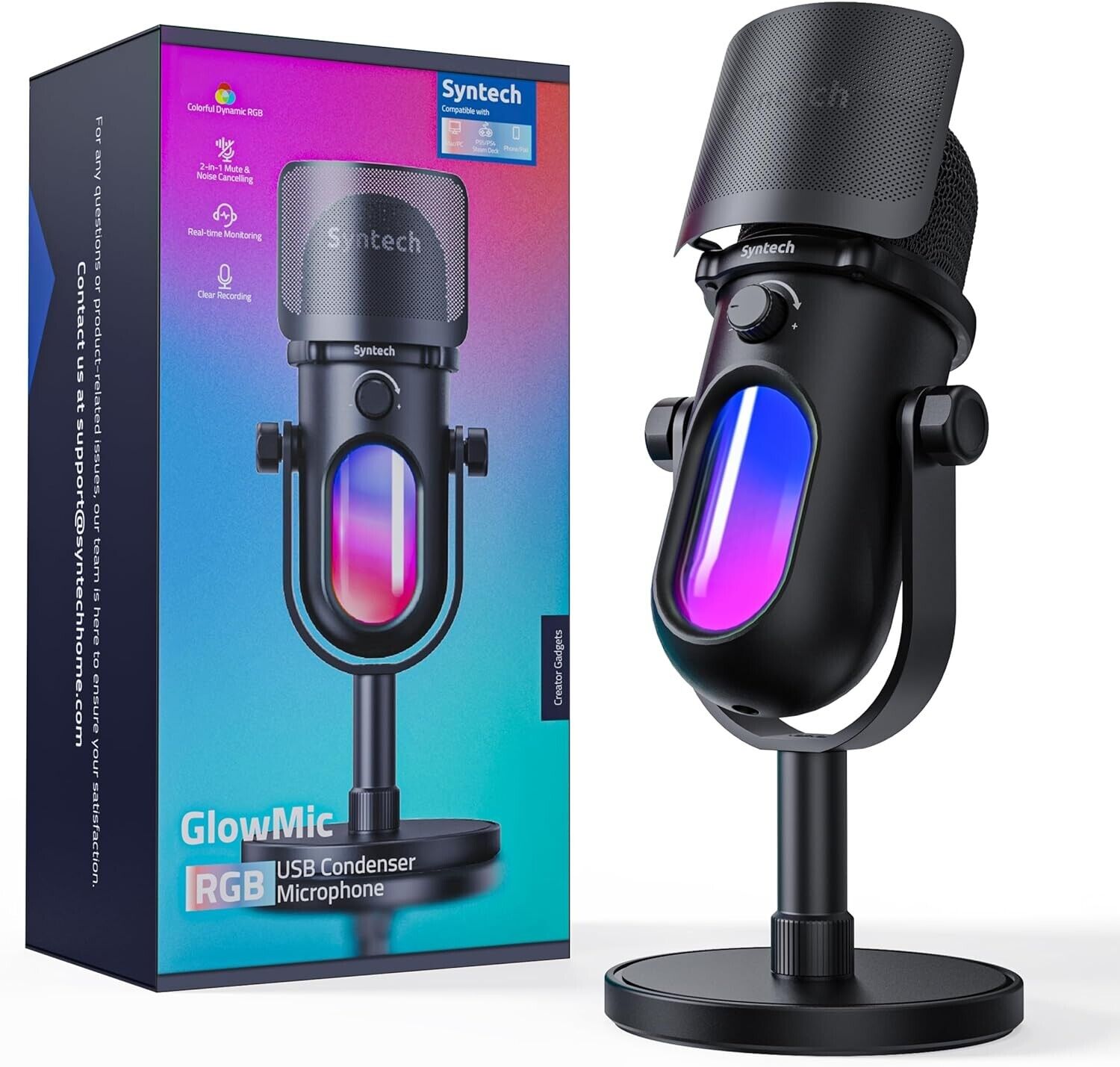
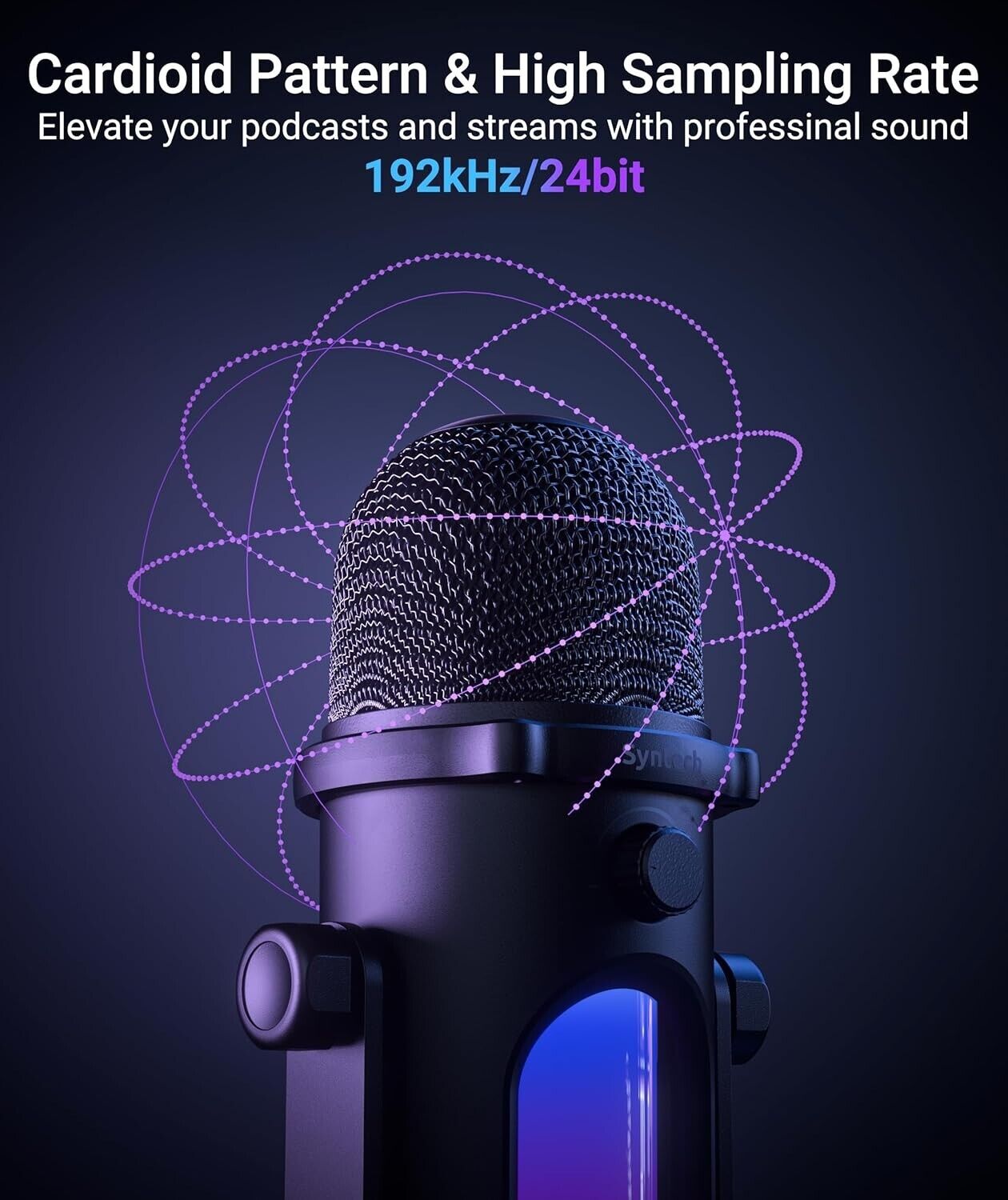
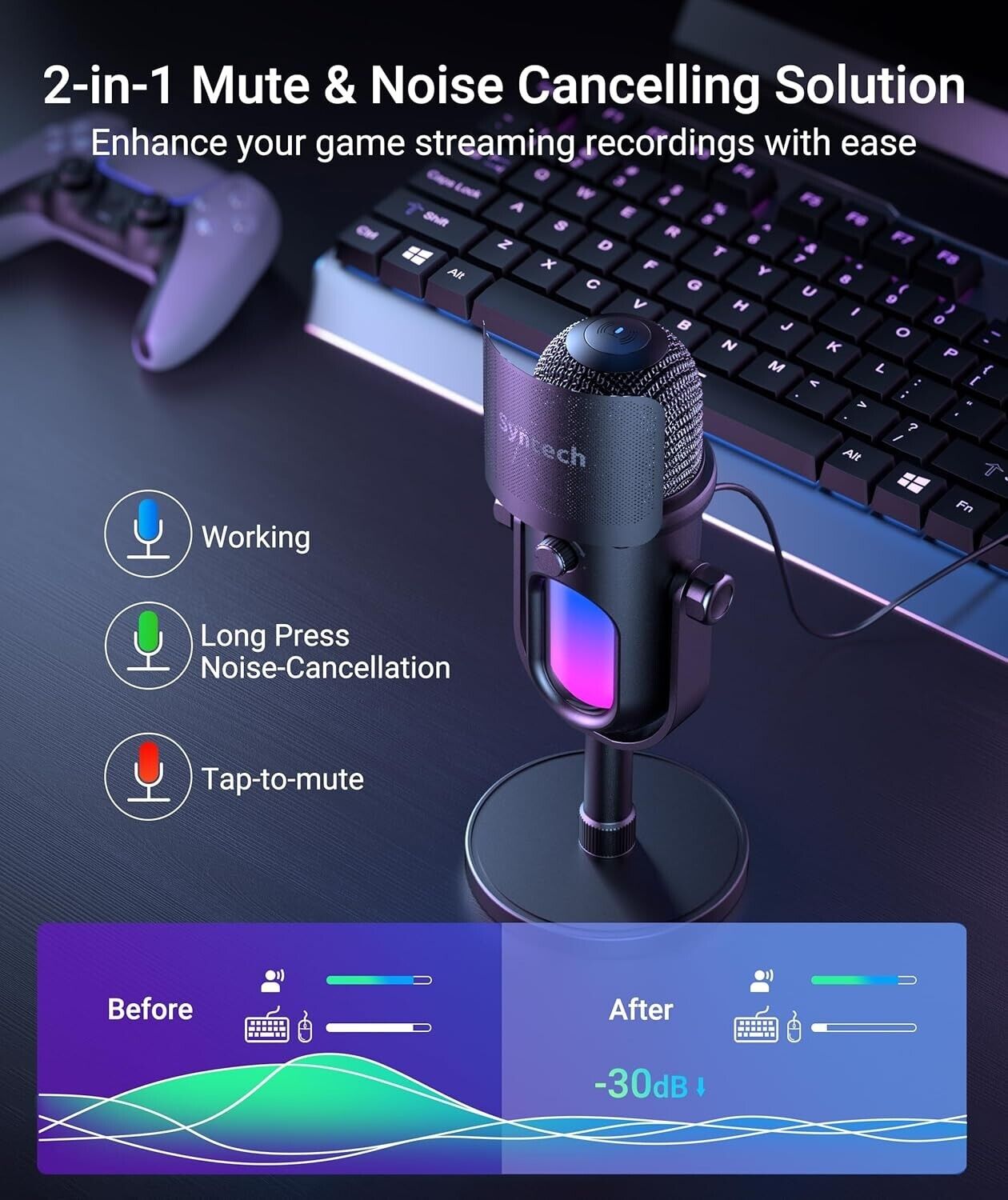
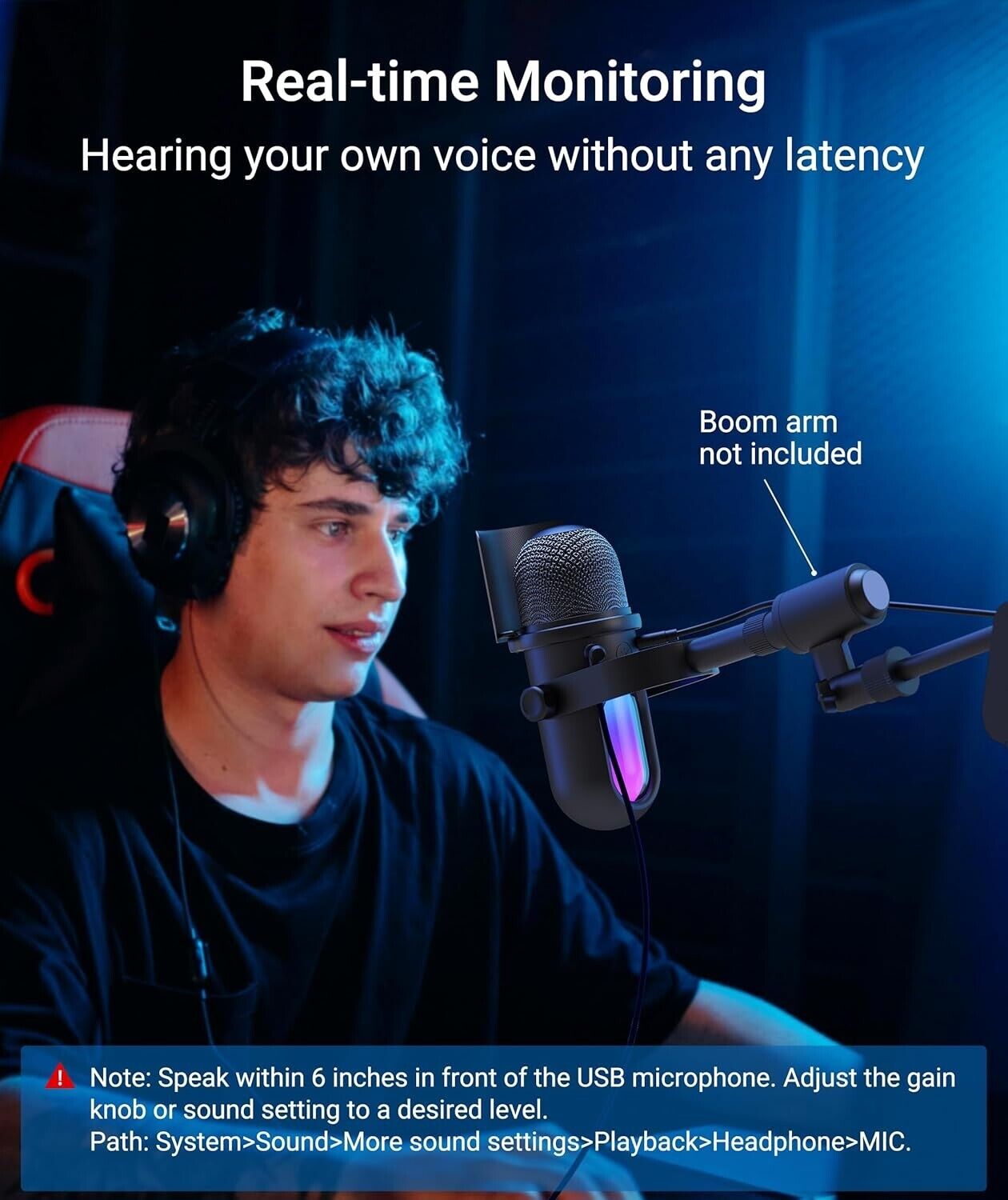
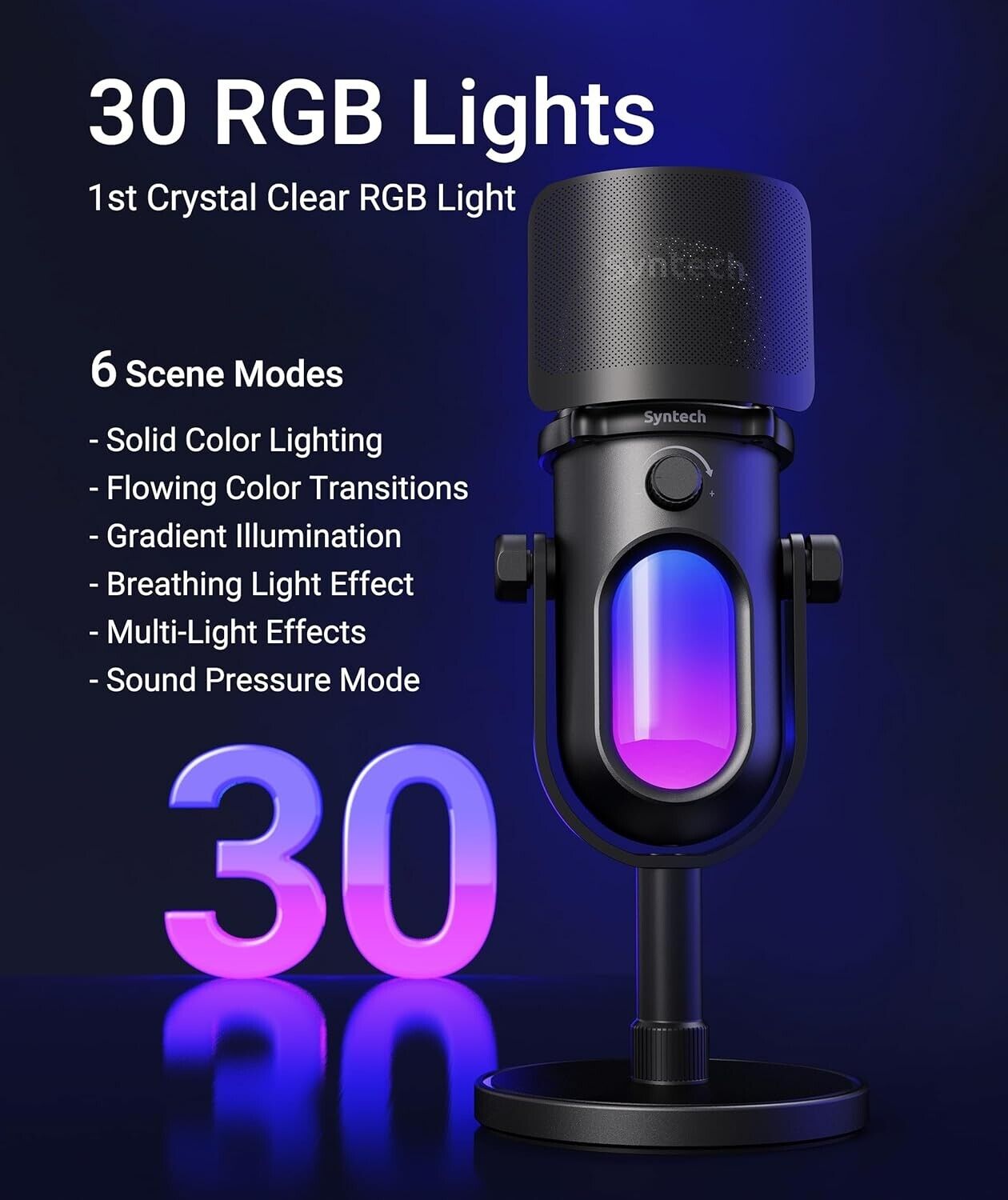
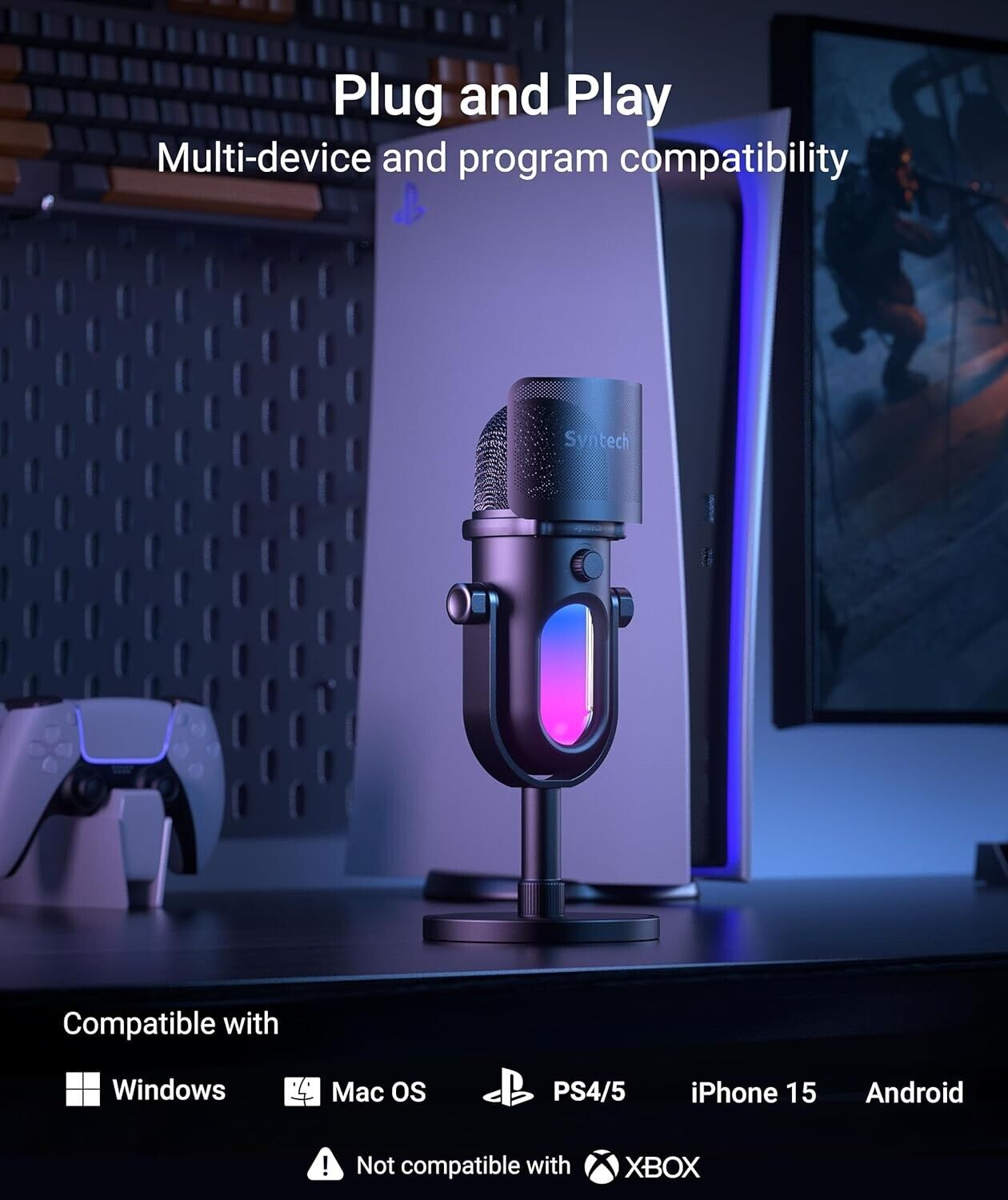
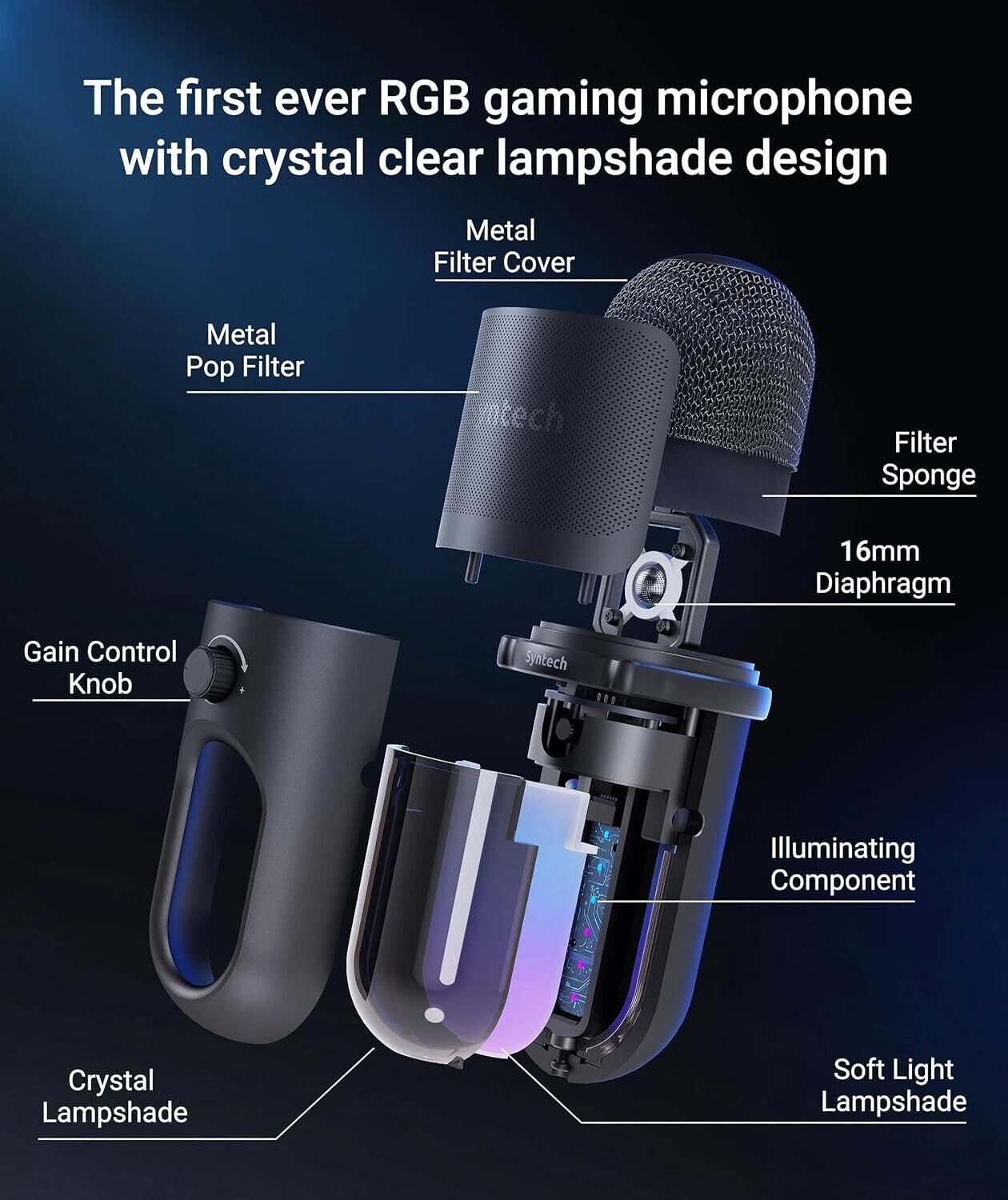
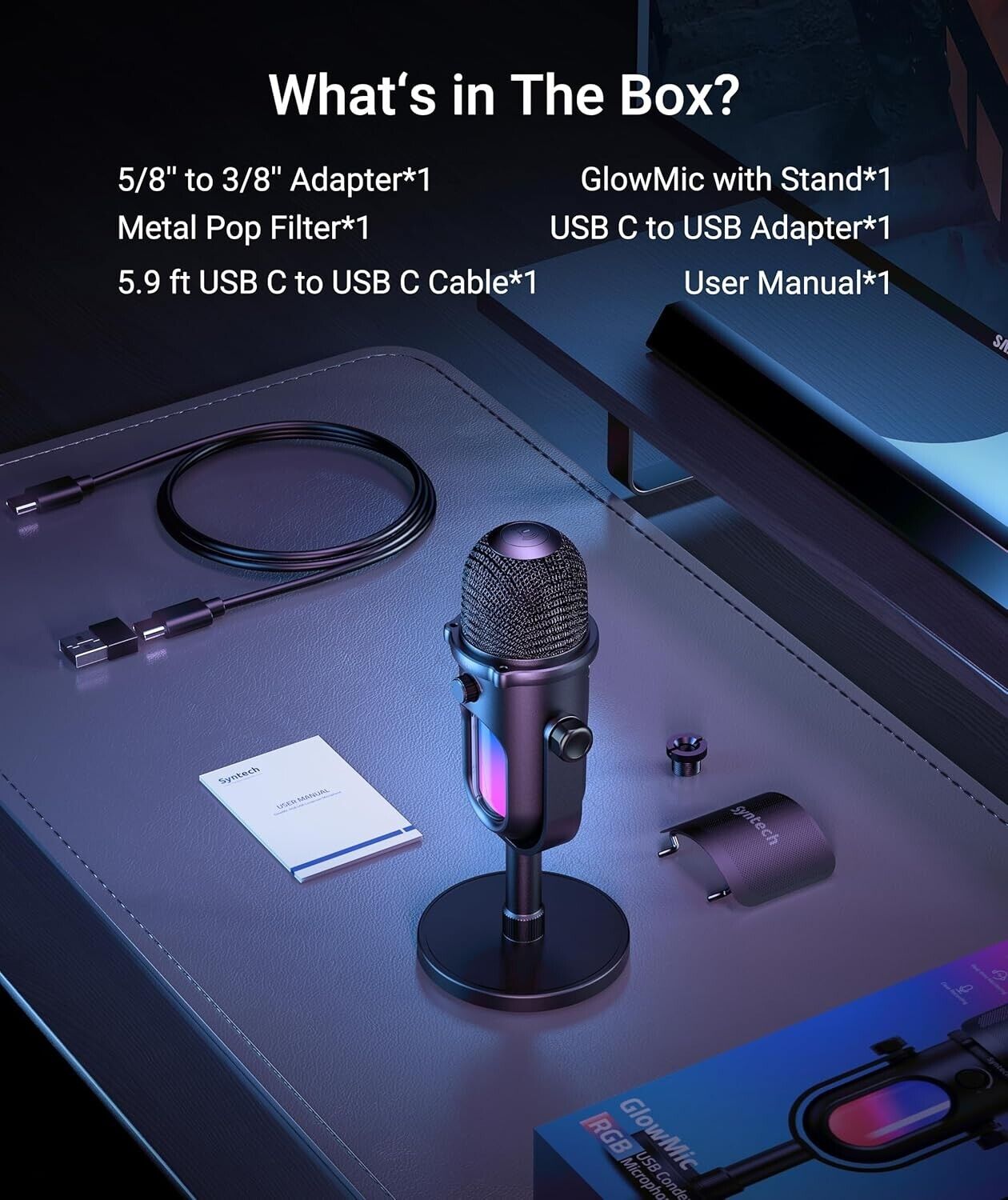
Dynamic RGB IlluminationThe first crystal clear RGB gaming microphone for PC boasts six innovative lighting modes, showing up to 30 vibrant RGB lights that immerse you in the heart of the PC gaming scene. The controllable RGB button provides an easy way to switch between different modes and colors. The lights pulsate with the rhythm of your voice in the USB gaming mic Sound Pressure Mode, bringing an excellent audiovisual experience for your game streaming.Cardioid Condenser CapsuleThe USB condenser microphone for PC is designed with a studio-level 16mm diaphragm and 192kHz/24Bit high bit depth and sampling rate. Attributes to the prominent sound pressure processing ability that eliminate pops sound of excited words, the cardioid USB microphone is mastered in capturing the front sound sources and reducing noise. The gaming mic delivers clear, powerful, and natural sound for YouTube content creation, game streaming, podcasts, Zoom, and music.Tap-to-Mute & Noise CancelingThe PC USB microphone with a 2-in-1 button assist to easily control the pace of gaming and live streaming. A simple tap mutes the microphone, indicated by the LED and RGB lights turning red. This visual cue allows you to stay focused on the game or take a quick break. Long pressing the 2-in-1 button activates mic noise canceling mode, while the PC gaming, the metal pop filter ensures clear and smooth communication with teammates while minimizing keyboard noise.Gain Control & Zero-latency MonitoringBy adjusting The Syntech PC microphone gain knob, you can increase or decrease the sensitivity and volume of the USB mic to find your preferred live recording setting. For real-time audio monitoring, simply plug your headphones into the 3.5mm jack on the back of the gaming mic. This feature provides zero-latency monitoring, ensuring you capture clear and accurate audio with precision.Easy to UseJust connect the gaming microphone to your PC/Mac/computer/PS4/PS5 using an excellent USB C cable and USB A adapter and dive into gaming live streaming, podcast, vocal recording, and music production. The PC microphone is designed with a 5/8'' thread and 3/8'' adapter, making it compatible with a wide range of mic stands or boom arms for added convenience. (Note: Not compatible with Xbox.)What You GetThe USB gaming PC microphone set package includes, Gaming Condenser Microphone*1, Metal Pop Filter *1, 5.9 ft USB C to USB C Cable*1, USB C to USB Adapter*1, 5/8'' to 3/8'' Adapter*1, User Manual*1.Syntech GlowMic RGB USB Condenser MicrophoneGlowMic is meticulously designed for gamer streamers, offering 30 RGB lights that truly transport you into the heart of the game world. Its 2-in-1 tap-to-mute and noise canceling, gain knob and monitoring headphones jack, ensures impeccable communication during your gaming. Equipped with a premium 16mm diaphragm, GlowMic delivers exceptional clarity and smoothness to your voice, making a professional difference for podcasting and streaming. Its wide compatibility makes it incredibly easy to use.Play VideoPrevious pageNext pageInnovative 30 RGB Lights
| Brand | syntech |
| Form Factor | Condenser Microphone |
| Connectivity | USB |